
The Neo is designed to be incredibly easy to use, with a user-friendly interface that makes it simple to navigate and control.
Getting Started with the DJI Neo
Initial Setup
To begin using the DJI Neo, you’ll need to download and install the DJI Fly companion app on your smartphone or tablet. This app serves as the central hub for controlling and managing your Neo drone. Once installed, open the app and follow the on-screen instructions to complete the initial setup process. Create a DJI account or log in to an existing one
Understanding the DJI Neo’s Interface
The DJI Neo’s interface is designed to be intuitive and easy to navigate. The app provides a range of features and tools to help you control and manage your drone.
The drone is also equipped with a 1/2 inch CMOS sensor, which provides high-quality video and photos.
Introduction
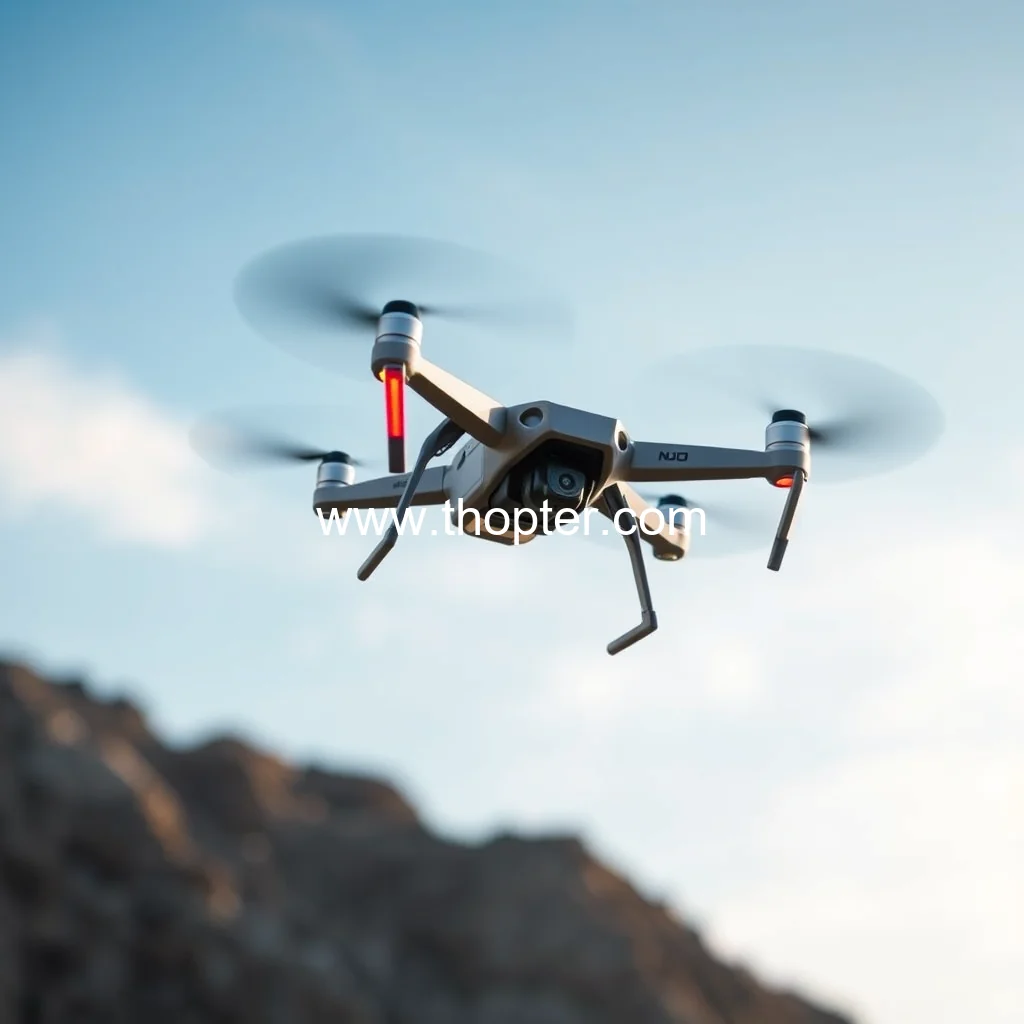
The DJI Neo drone is a compact and portable device that has taken the world of drone flying by storm. With its ease of use and impressive features, it’s no wonder why this drone has become a favorite among drone enthusiasts and professionals alike.

news is a contributor at Thopter. We are committed to providing well-researched, accurate, and valuable content to our readers.